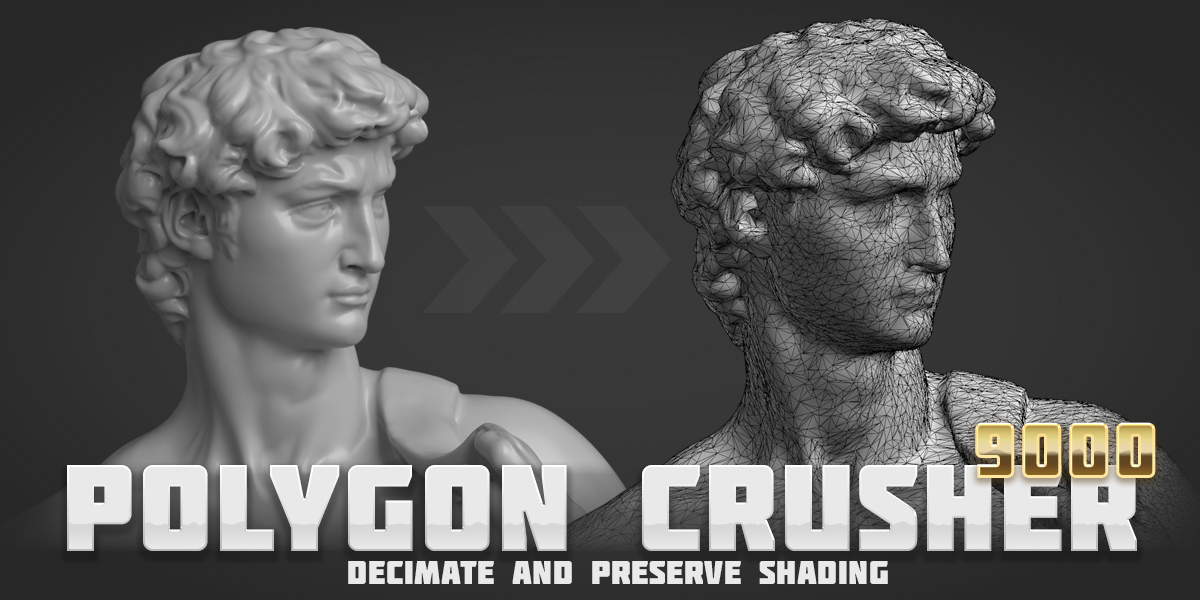
What is Polygon Crusher 9000?
Polygon Crusher 9000 is a Blender add-on that makes heavy models light. It does two jobs:
- Decimate reduces the triangle count and keeps the shape, the shading, the textures and the hard edges.
- Remesh rebuilds the model as clean, even quads, at the quad count you ask for.
You tell it what kind of model you have (a scan, an AI model, a CAD part, a character, a garment), how much you want left, and what to keep. The rest is automatic. The work runs in a separate process, so Blender stays responsive, and you can cancel at any time.
Built for: 3D scans, sculpts, AI-generated models, hard-surface and CAD parts, clothing, and LODs for games.
Get Started · What's New · Settings Reference · Limits
Features
- Source type — pick Auto, Scan, AI, CAD, Hard Surface, Organic or Cloth, and the method for that kind of model is used. See Source Types.
- Decimate or Remesh — reduce triangles, or rebuild the model as quads. See Target Modes and Remesh.
- Keep what matters — Shading, Textures and, for hard-surface and CAD parts, Sharps. With Shading and Textures both off you get the shape only, closed and ready to 3D print. See Hard Surface and Sharps.
- Exact targets — ask for 80% and you get 80%. Ask for 5,000 triangles and you get 5,000. Remesh lands close to the quad count you ask for. Some options can stop a crush above the target, so check the report. See Limits.
- Three ways to set the amount — Percent, Count (per object), or Budget (one total for the whole selection).
- Quad Density — paint where you want smaller or larger quads. See Quad Density.
- Symmetry — a mirrored model stays mirrored, on X, Y or Z or the axis of its Mirror modifier.
- Show Hard Edges — see in the viewport which edges will be kept before you crush. See Show Hard Edges.
- Protect Areas — paint or select the parts that must keep their detail. See Protect Areas.
- Clean Mesh and Scan Repair — close cracks and holes, cut the floor, remove spikes. See Clean Mesh and Scan Repair.
- Import and Crush — crush an OBJ, PLY or STL file straight from disk, for scans too big for Blender's importers. See Import and Crush.
- Bake maps — bake a normal map and a base color map onto the result, with an Undo Bake button. See Bake Maps and Auto UVs.
- LODs in one click — build a whole LOD chain from the original. See LODs.
- Rigs, shape keys and vertex colors carry over. See Rigs, Shape Keys and Vertex Colors.
- Revert — delete the result and bring back the original. See Keep Original and Revert.
- Modifier-aware — works on the evaluated mesh, so booleans, subdivision and the rest of the stack are included. The original keeps its modifiers.
- Live progress and Cancel — the main button becomes a progress bar and a Cancel button while it works.
Requirements
| Blender | 4.2 or later. 4.2 is the lowest version the extension accepts and has not been tested; the add-on is tested on the newest Blender |
| OS | Windows (x64), Linux (x64; ARM64 for Decimate), macOS (Apple Silicon and Intel) |
Support
Questions or issues? Email henriquevlopes@gmail.com